
PhotoBorder+
Easy Photo Frames and Panorama Carousels
One-time purchase. No subscriptions. No ads.
Requires iOS 16 or later
Easy Photo Frames and Panorama Carousels
One-time purchase. No subscriptions. No ads.
Requires iOS 16 or later
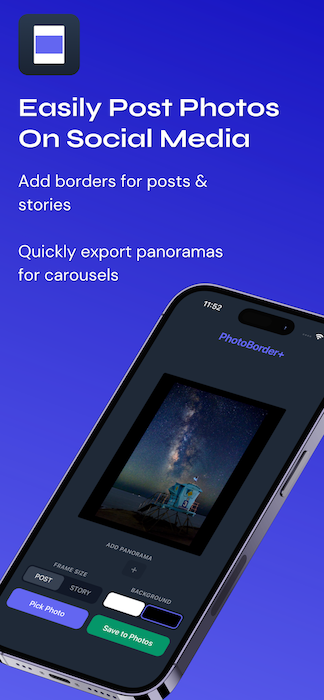
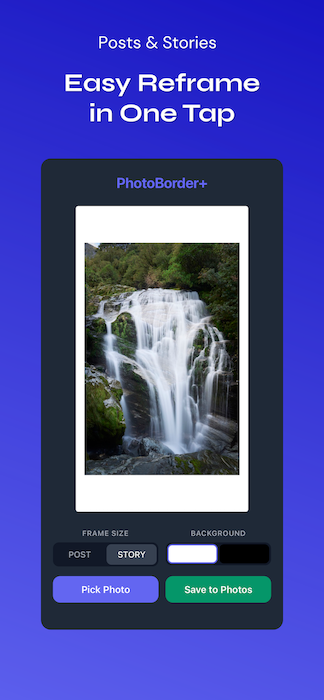
Choose 4:5 for Instagram posts or 9:16 for stories. Pick white or black background. Save. Your bordered photo is ready to post.
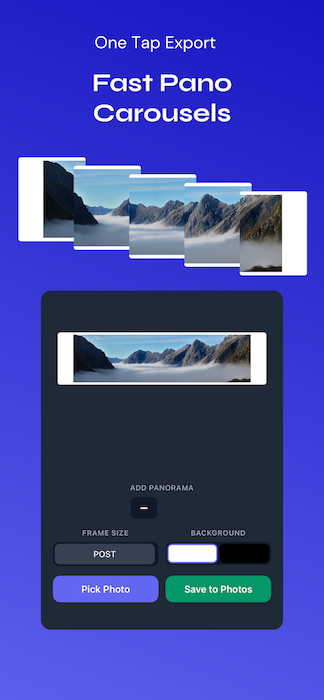
Spread a panoramic photo across up to 10 Instagram carousel slides. Each slide exports at full 1080 x 1350 resolution, perfectly aligned so the photo flows seamlessly as you swipe.
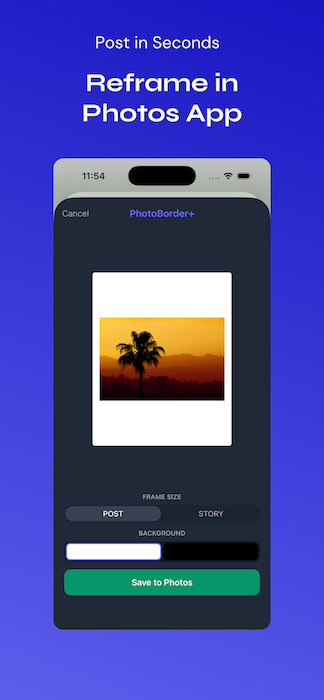
Select a photo in the Photos app, tap Share, and choose PhotoBorder+. Pick your frame size and background color, then save — all without leaving the Photos app.
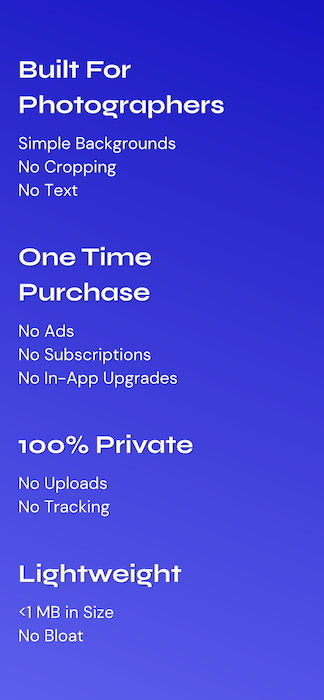
No bloated feature lists. No color wheels, stickers, or text tools. Just clean borders for photographers who want their work presented simply.
Your camera data travels with the photo. The bordered export keeps the original EXIF metadata so your shooting info stays intact.
One purchase works on iPhone, iPad, and Mac. The interface adapts to each device — thumb-friendly on iPhone, spacious on iPad and Mac.
PhotoBorder+ runs entirely on your device. No cloud, no uploads, no accounts, no tracking. Your photos never leave your device.
PhotoBorder+ does not collect, store, transmit, or share any personal data, photo data, or EXIF metadata. All processing is performed locally on your device.
The app does not connect to the internet, does not use analytics, and does not contain advertising. Photos are accessed through Apple's PhotoKit framework and are never copied or sent externally.
PhotoBorder+ does not require an account and does not store any user information.
Last updated: April 2026